

 Interly
How to get a reminder every 30 minutes on iPhone
The iPhone's built-in Clock app repeats alarms by day of the week, not by minutes. To get a reminder every 30 minutes between 9 a.m. and 6 p.m., you can set one alarm for each time (that is 19 alarms) or use an interval reminder app where you enter a start time, an end time and the gap once.
Option 1: One Clock alarm per time
- Open Clock, go to Alarms and tap +.
- Set 9:00, tap Repeat and choose the weekdays.
- Do the same for 9:30, 10:00, 10:30 … up to 6:00 p.m.
This works with nothing to install. The catch: an alarm rings until you stop it, which is a lot for a gentle "stand up and stretch". You also manage 19 alarms, and changing the gap to 45 minutes means redoing all of them.
Option 2: Reminders
Reminders is quieter, since it shows a notification instead of ringing. Its repeat settings are built around days and weeks, and Apple's guide doesn't describe a way to repeat only during working hours. In practice you end up with one reminder per time, like the alarms.
Option 3: An interval reminder
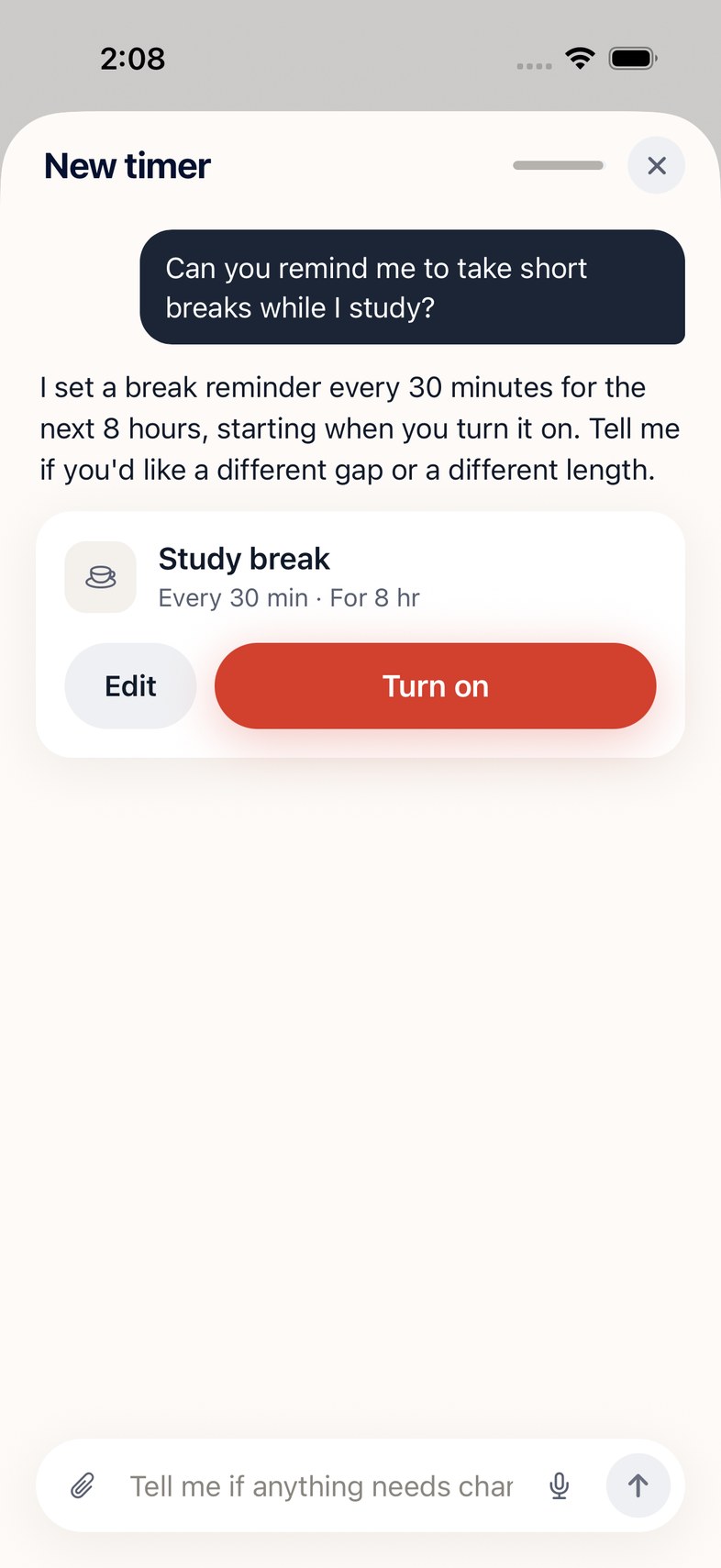
An interval app takes the whole rule at once: from 9:00 to 18:00, every 30 minutes, weekdays only. You get one notification at each time and nothing rings on and on. In Interly you can set it with two sliders or just say it:
“Remind me to stretch every 30 minutes from 9 to 6 on weekdays”
Open Interly[ App screenshot: chat card in English ]
Picking a gap
- Water: every 60 minutes is easy to keep up.
- Stretching or standing up: every 30–50 minutes.
- Screen breaks: every 20 minutes, the interval behind the 20-20-20 rule.
If notifications don't show up, check that Interly is allowed under Settings → Notifications and that your current Focus lets it through.
Sources: Apple — Set and change alarms on iPhone · Apple — Use Reminders on iPhone